
LogoAIBestTop
icon of Wplace Tools

Wplace Tools

Enhance your Wplace art creation with tools, guides, and a community showcase for Wplace.live users, including a pixel art converter and color palette tools.

Introduction

Wplace Tools Overview

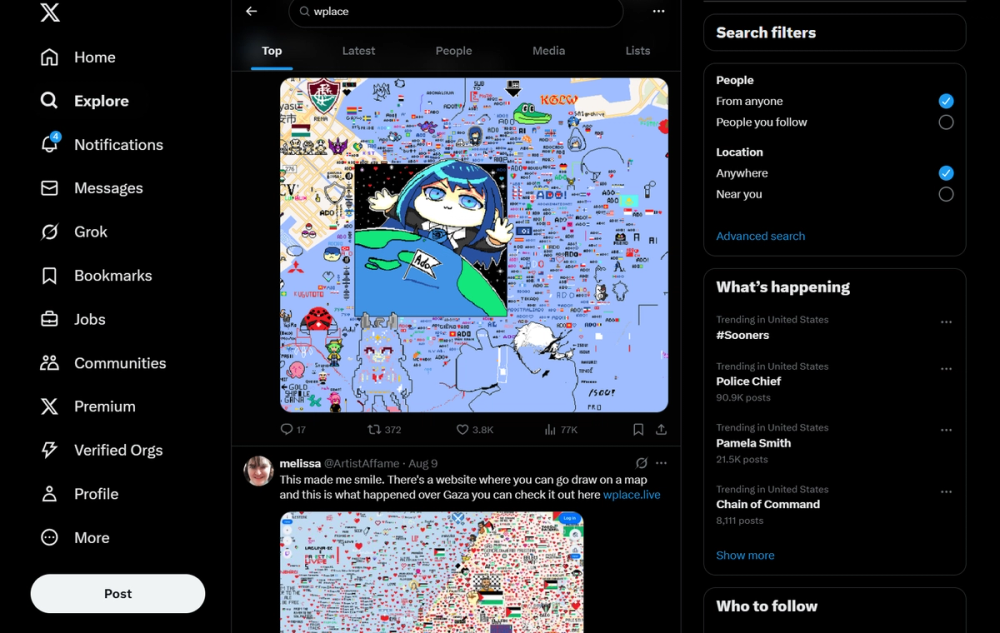
Wplace Tools is a comprehensive resource hub designed to enhance the experience of users on Wplace.live, a collaborative pixel art platform. It provides a suite of tools, guides, and community features to help users create amazing art on Wplace.

What Makes Wplace Tools Different

Wplace Tools focuses specifically on the Wplace.live platform, offering tools tailored to its unique features. This includes an image-to-pixel converter optimized for the Wplace canvas, a color palette exporter, and an address search tool to find locations on the world map for painting. It also features a browser extension called Wplace Professor for an enhanced experience.

Key Features

10 features
Image to pixel converter
Wplace color palette exporter
Address search tool
Wplace Professor browser extension
Community showcase
Guides and tips for Wplace art
Real-time collaboration tools
Pixel art creation tools
Global canvas access
Community governance features

Auto-scrolling • Hover to pause

Common Use Cases

  • Convert images to pixel art for Wplace canvas
  • Create custom color palettes for Wplace projects
  • Find specific locations on the Wplace map for painting
  • Enhance Wplace experience with browser extension
  • Share and showcase Wplace artwork with the community

Industry Applications

Digital artOnline communities

Limitations to Consider

  • *Requires Wplace.live account to fully utilize tools
  • *Functionality is limited to the Wplace platform

Explore More in Image Resources

Discover additional tools and resources in the image resources category

Disclaimer & Important Notice

The information provided about **Wplace Tools** is for general informational purposes only. While we strive to keep the content accurate and up-to-date, we make no representations or warranties of any kind, express or implied, about the completeness, accuracy, reliability, suitability, or availability of the tool, information, or related graphics.

Use at your own risk: AI tools may produce incorrect, misleading, or outdated information. Always verify critical information independently and exercise judgment when using AI-powered services.

Affiliate disclosure: Some links may be affiliate links. If you make a purchase through these links, we may earn a commission at no additional cost to you. This helps support our platform and allows us to continue providing free content.

Last updated: 2/26/2026

How to Get Started

Step 1: Visit Wplace.live

Go to wplace.live and choose a location on the world map to start creating pixel art.

Step 2: Use the Image to Pixel Converter

Upload an image to the converter and adjust the settings to create pixel art for Wplace.

Step 3: Explore the Color Palette Exporter

Create and export custom color palettes to use in your Wplace artwork.

Step 4: Find Locations with Address Search

Use the address search tool to find specific locations on the Wplace map for painting.

Step 5: Install Wplace Professor

Install the Wplace Professor browser extension for an enhanced Wplace experience.

Pricing Plans

PlanPriceFeatures
Contact for PricingCustomContact for details

Pros

  • Provides tools specifically designed for Wplace.live
  • Offers a variety of resources to enhance the Wplace experience
  • Includes a community showcase for sharing artwork
  • Features a browser extension for added functionality
  • Helps users create and collaborate on pixel art more effectively

Cons

  • Functionality is limited to the Wplace platform
  • Effectiveness depends on the user's engagement with Wplace.live

Frequently Asked Questions

Reviews

No ratings yet.

No reviews yet. Be the first to review.

Reviews are published after moderation.

Last reviewed: Originally published:

This page is regularly updated to ensure accuracy and freshness.

Information

  • Publisher
    yelin abel
  • Websitewplace.info
  • Published date2026/01/11
  • Last updated

Categories

Browse related tools in the same category

Tags

Filter tools by specific features and use cases

Newsletter

Join the Community

Subscribe to our newsletter for the latest news and updates