

VideoToURL is a free online tool that converts video files into permanent, shareable web links. It supports various video formats like MP4, MOV, AVI, WebM, and MKV, with a file size limit of 100MB. The service provides permanent URLs delivered via a global CDN for fast playback. Users can simply drag and drop their video, convert it, and get a permanent link without needing to register. Signing in unlocks higher limits and upload history.

videotourl
Free online tool to convert MP4 videos to permanent, shareable URLs instantly. Supports MP4, MOV, AVI, WebM, MKV up to 100MB. No registration required.
Introduction
Product Gallery
1 / 3
Click to enlarge
Key Features
10 features
Auto-scrolling • Hover to pause
Common Use Cases
- Embedding short clips in articles and newsletters
- Sharing campaign videos across landing pages and social posts
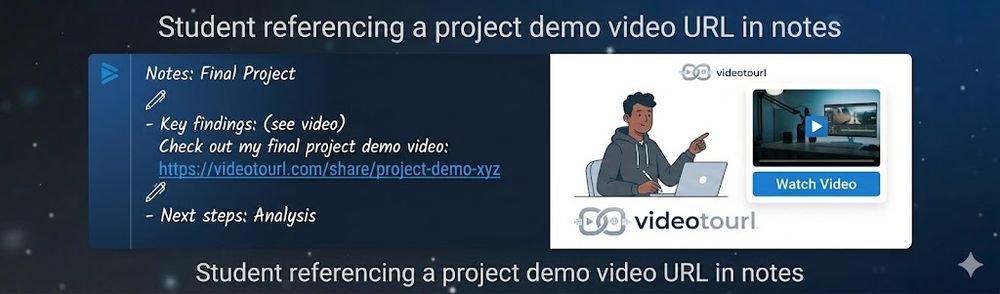
- Including lecture captures in assignments and notes
- Hosting demo videos for websites and documentation
- Quickly sharing videos for QA and feedback
Industry Applications
Web DevelopmentDigital Marketing
Limitations to Consider
- *File size limit of 100MB for free users
- *Requires internet connection for uploading and converting
Explore More in Video Resources
Discover additional tools and resources in the video resources category
Disclaimer & Important Notice
The information provided about **videotourl** is for general informational purposes only. While we strive to keep the content accurate and up-to-date, we make no representations or warranties of any kind, express or implied, about the completeness, accuracy, reliability, suitability, or availability of the tool, information, or related graphics.
Use at your own risk: AI tools may produce incorrect, misleading, or outdated information. Always verify critical information independently and exercise judgment when using AI-powered services.
Affiliate disclosure: Some links may be affiliate links. If you make a purchase through these links, we may earn a commission at no additional cost to you. This helps support our platform and allows us to continue providing free content.
Last updated: 9/4/2026
How to Get Started
Step 1: Upload Your Video
Drag and drop your video file into the designated area or click to browse your files.
Step 2: Wait for Processing
Allow the video to process and convert to a shareable URL. This usually takes only a few seconds.
Step 3: Copy the Generated URL
Once processing is complete, copy the generated URL to your clipboard.
Step 4: Share Your Video Link
Share the URL in documentation, issue trackers, chats, websites, social media posts, and team collaboration tools.
Pricing Plans
| Plan | Price | Features |
|---|---|---|
| Contact for Pricing | Custom | Contact for details |
Pros
- Provides permanent URLs for video sharing
- Offers a free and easy-to-use service
- Supports multiple video formats
- Delivers videos via a fast CDN
- No registration required for basic use
Cons
- Limited to 100MB file size for free users
- Requires an internet connection to use
Frequently Asked Questions
Reviews
No ratings yet.
No reviews yet. Be the first to review.
Information
- Publisheryelin abel
- Websitewww.videotourl.com
- Published date2026/03/04
- Last updated
About the Founder
Founder
Founder
Categories
Browse related tools in the same category
Explore similar tools that might offer different features or pricing
Alternatives to videotourl
ArchyBase
All-in-one AI design platform for architects and homeowners. Generate professional interior, exterior, and landscape renders from photos or sketches in seconds.
Image Editing
top alternative to graphy
Create professional graphs and charts in seconds.
Analytics
IndieAI Directory
Discover the best AI tools built by indie developers
Growth
Seedance 2.0 — Next Gen AI Video Generator
Seedance 2.0 is the leading AI video generator by CapCut (ByteDance). Create high-quality, cinematic 2K videos with perfect character consistency and smooth motion.
Video Editing
Discover more video resources tools with similar capabilities
More Video Resources
Top alternatives to KDP Cover Creator
Create, fix, and export KDP-compliant book covers and formatting workflows effortlessly without print-spec guesswork.
Developer Tools
top alternative for sora 2
Unleash cinematic AI video generation locally with Sulphur 2—the unrestricted, open-source 9B parameter model built for ultimate creative freedom.
Video Editing
T2I
AI turns text into eye-catching infographics — free, no design skills
Others
Top 10 Avatar Generators for Unique Online Personas
Create cute avatars with a classic square face generator. Free, mobile-ready, and reminiscent of classic Flash games.
Image Resources