

AvenChat
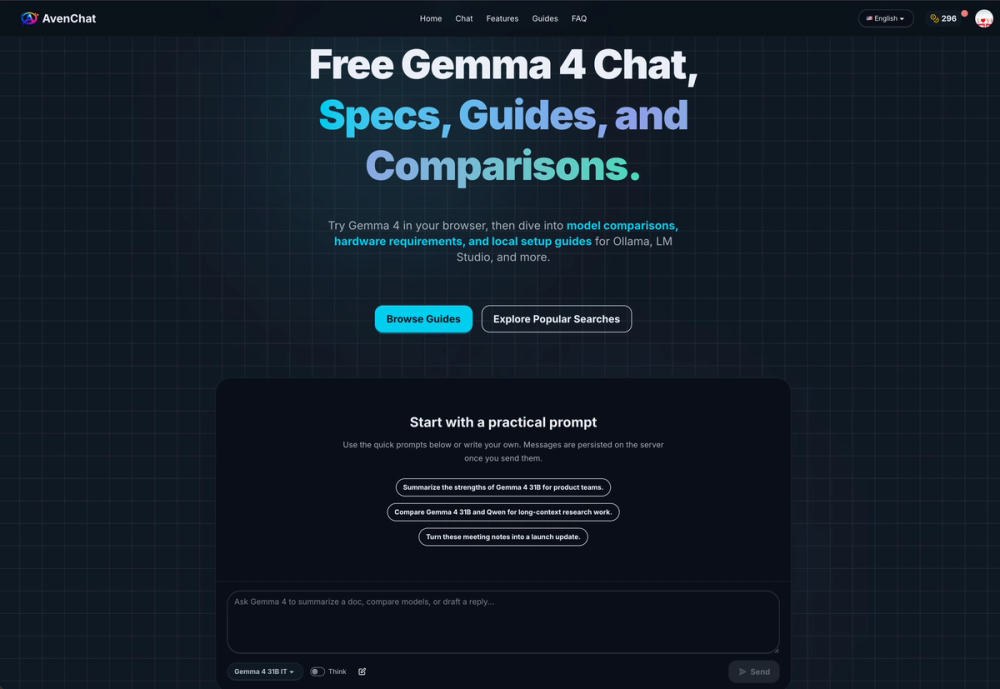
AvenChat is a free online Gemma 4 chat and research hub that helps users try Gemma 4 in the browser, compare model variants, understand hardware requirements, and explore local setup guides.
What is AvenChat?
AvenChat is built for people who want to understand and use Gemma 4 faster. Instead of only offering a simple chat demo, AvenChat combines:
- Free browser-based Gemma 4 chat
- Gemma 4 model comparisons
- Hardware requirement guides
- Local setup tutorials for tools like Ollama and LM Studio
- Practical explanations for choosing the right Gemma 4 model
It is a useful starting point for developers, AI enthusiasts, students, and creators who want to test Gemma 4 before going deeper into local deployment or workflow integration.
Key Features
Free Gemma 4 Chat
Try Gemma 4 directly in your browser for free. This makes it easy to validate prompts, test writing or research tasks, and explore the model before setting up anything locally.
Gemma 4 Model Comparisons
AvenChat helps users compare different Gemma 4 variants, including model sizes, context length, and usage scenarios, so they can choose the right option more confidently.
Hardware Requirement Guides
Understand how much RAM or VRAM Gemma 4 may need before downloading or deploying it. This is especially helpful for users planning local inference.
Local Setup Tutorials
AvenChat provides setup-oriented content for users who want to run Gemma 4 with tools such as Ollama, LM Studio, and other local runtimes.
Beginner-Friendly Research Hub
The site is not just a chatbot. It also acts as an educational hub for Gemma 4, with guides, FAQs, and comparisons that make technical decisions easier.
Why Use AvenChat?
- Free to start
- No complex setup required for initial testing
- Great for exploring Gemma 4 before self-hosting
- Helpful for comparing model variants and deployment options
- Combines chat + guides + hardware planning in one place
Best For
- Developers exploring Gemma 4
- Users comparing open-weight AI models
- People who want to run Gemma 4 locally
- Beginners looking for simple Gemma 4 explanations
- Content creators and researchers testing prompts online
Use Cases
- Test Gemma 4 prompts in the browser
- Compare Gemma 4 model options before deployment
- Learn whether your machine can run Gemma 4 locally
- Follow setup guides for Ollama or LM Studio
- Research Gemma 4 vs other model families
Tags
AI Chat Gemma 4 LLM Open-Weight Models AI Tools Local LLM Ollama LM Studio Model Comparison Hardware Guide